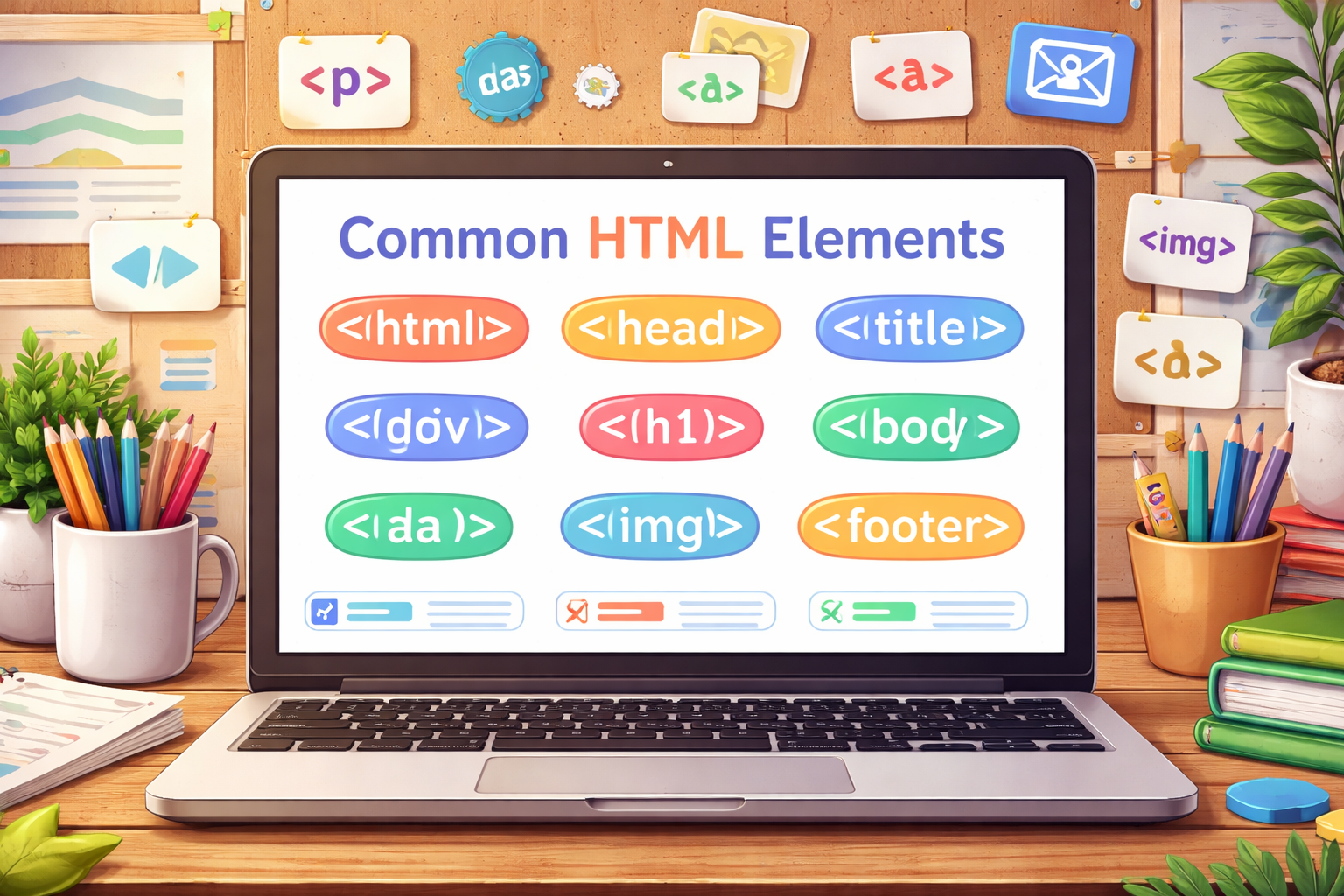
- <html>
- The root element that wraps all content on the webpage.
- <head>
- Contains metadata and links to resources not shown on the page.
- <body>
- Holds all the visible content displayed in the browser.
- <title>
- Sets the text shown in the browser tab
- <meta>
- Provides additional information about the page like charset or viewport settings.
- <link>
- Connects external files such as CSS stylesheets to the HTML document.
- <style>
- Allows you to write CSS directly inside the HTML file.
- <h1>
- Defines the most important heading on the page.
- <h2>
- Represents a secondary heading.
- <h3>
- Represents a smaller subsection heading.
- <p>
- Defines a paragraph of text.
- <strong>
- Indicates important text, typically displayed as bold.
- <em>
- Emphasizes text, usually shown in italics.
- <b>
- Makes text bold without adding importance.
- <i>
- Displays text in italics without semantic emphasis.
- <mark>
- Highlights text with a background color.
- <small>
- Displays text in a smaller size.
- <blockquote>
- Used for longer quotations from another source.
- <cite>
- Identifies the title of a referenced work.
- <a>
- Creates a clickable hyperlink to another page or resource.
- <img>
- Embeds an image into the webpage.
- <figure>
- Groups media content like images with optional captions.
- <figcaption>
- Provides a caption for content inside a <figure>.
- <video>
- Embeds a video player in the page.
- <audio>
- Embeds audio content in the page.
- <source>
- Specifies multiple media file options for audio or video elements.
- <div>
- A generic block-level container used for grouping content.
- <span>
- A generic inline container used for styling small sections of text.
- <section>
- Defines a thematic grouping of content on a page.
- <article>
- Represents a self-contained piece of content like a blog post or news article.